
Skip to content
HC Trading HubTHE INDEPENDENT TRADER'S WORKSPACE
Appearance
Account Integration & Evaluation

Automatic MT5 evaluation tracking

Understand the integration requirements before enabling monitoring.

Coming soonRestricted role access

This capability is not yet offered as a standalone usable tool. Confirm its configuration and dependencies with the team.

Ask about availability →

Restricted role access. Eligibility follows the existing staff or service permissions; buying an advanced plan does not grant this role.

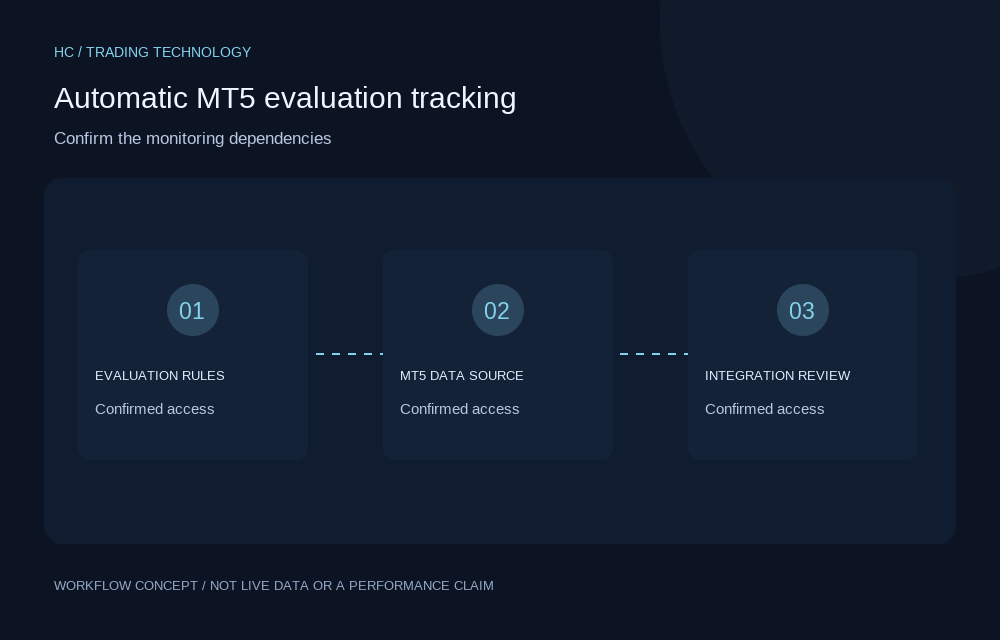
Concept illustration for Automatic MT5 evaluation tracking; not a live product screen or performance result
Original workflow illustration. Not live market data, a forecast or a performance claim.
THE PROBLEM IT ADDRESSES

A reason to use it.

An evaluation monitor is only meaningful when account identity, data source and rules agree.

This registered integration switch supports the platform configuration for MT5-based evaluation monitoring. It depends on the relevant evaluation workflow, a supported MT5 connection and the rules configured for that account.

KEY CAPABILITIES

What it helps you do.

  • Identify the required evaluation and MT5 dependencies.
  • Keep automatic data distinct from manual journal records.
  • Confirm compatibility before relying on monitoring.
A PRACTICAL WORKFLOW

Put it into practice.

  1. Ask an administrator to confirm the supported evaluation workflow.
  2. Verify the account identity and MT5 data source.
  3. Compare monitored values with the terminal and provider rules.
WHO IT IS FOR

Find the right fit.

Eligible MT5 evaluation participants after integration review.

BEFORE YOU START

Useful questions.

Who is Automatic MT5 evaluation tracking designed for?

Eligible MT5 evaluation participants after integration review.

What should I check before using it?

This switch has no standalone registered tool route. Enabling it alone does not activate a complete monitoring service; confirm dependencies with an administrator.

Can I use the tool from this page?

This is a public introduction. Sign in with an eligible account to check the tools and permissions available in your workspace.

CONTINUE EXPLORING

Related tools.

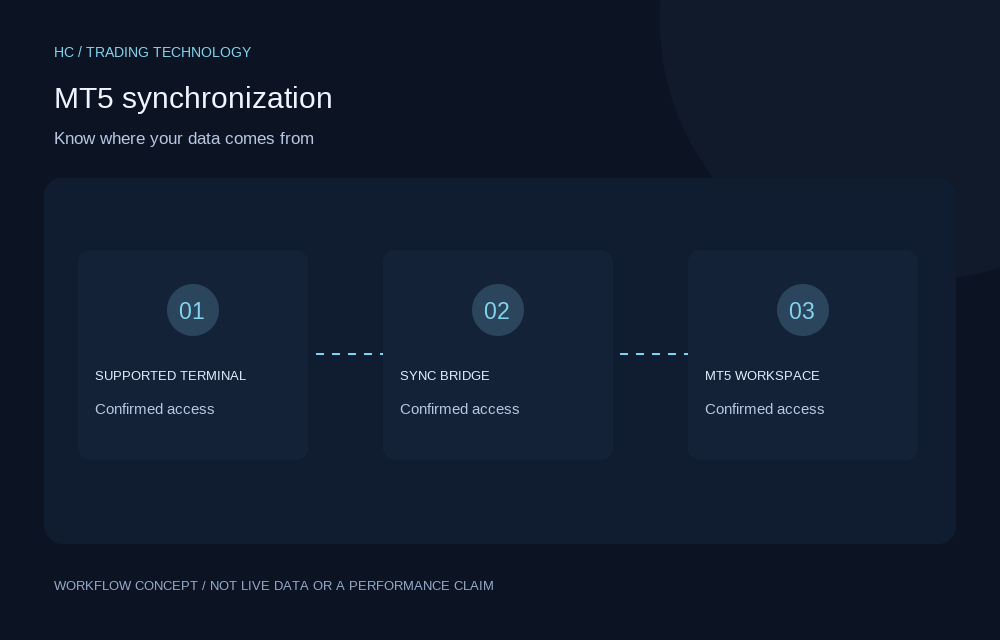
Concept illustration for MT5 synchronization; not a live product screen or performance result
Free core tool

MT5 synchronization

Review supported terminal activity in its own reporting workspace.

  • Connect an eligible account through the supported bridge.
  • Review synchronized trade history and account reporting.
  • Inspect connection and synchronization status.
Free · account permissions applyExplore feature
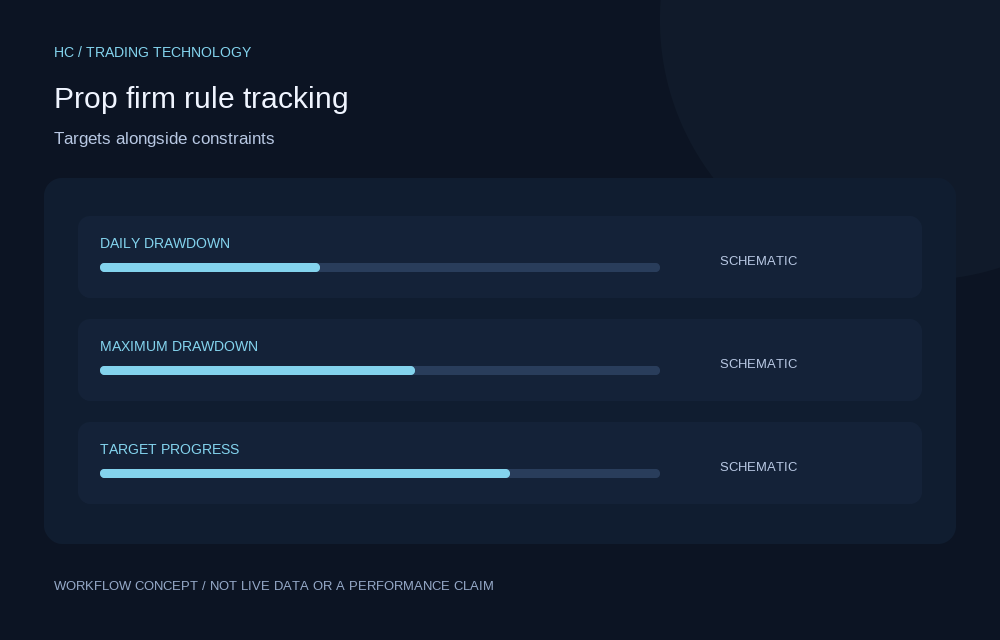
Concept illustration for Prop firm rule tracking; not a live product screen or performance result
Free core tool

Prop firm rule tracking

Review challenge rules alongside journal performance.

  • Track configured evaluation stages and target progress.
  • Consider drawdown and consistency constraints together.
  • Review journal activity against the selected rule configuration.
Free · account permissions applyExplore feature
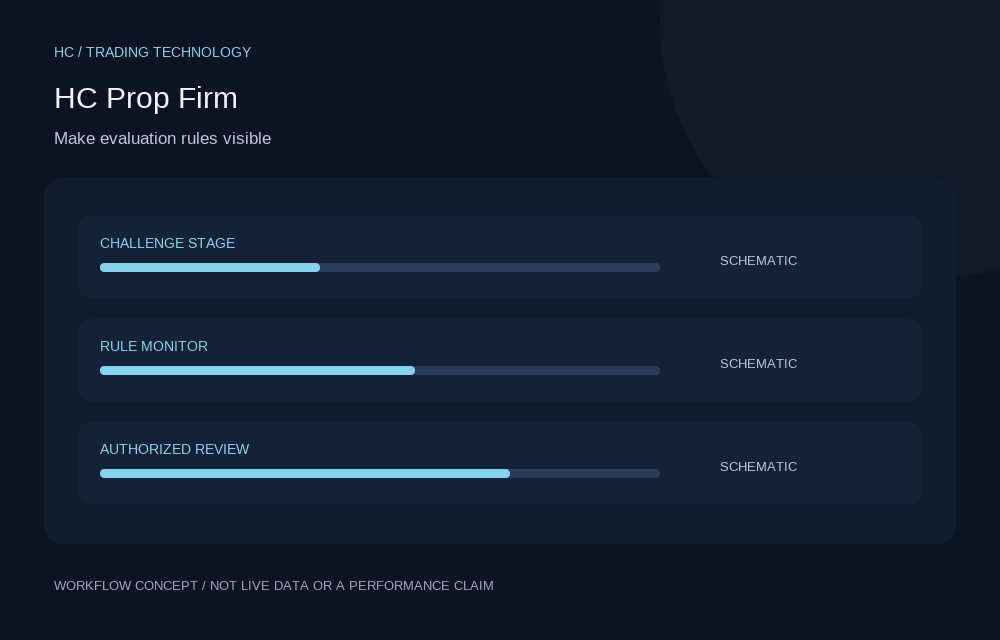
Concept illustration for HC Prop Firm; not a live product screen or performance result
Free core tool

HC Prop Firm

Bring evaluation objectives and constraints into focus.

  • Follow challenge progress and configured objectives.
  • Review drawdown limits and rule monitoring.
  • Track evaluation stages and authorized reviews.
Free · account permissions applyExplore feature
YOUR NEXT CHAPTER

Build better trading habits
with better tools.

Explore technology designed to support informed decisions, structured risk management and continuous improvement.

Create free account

No broker-specific registration required.